Receipts
To access receipts for player registration/past payment information, please follow the below process:
-
Be sure to use the same email address that was used when first registering
2. On the lefthand side menu, select My Registrations, and My Registrations again
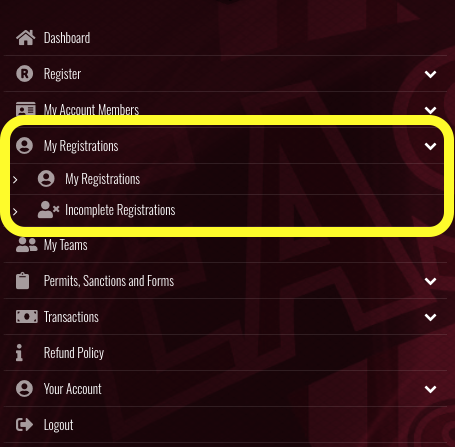
3. There you will be able to locate all current and past registrations used with your Ramp log in.
4. Select the season, and the player you are looking for.
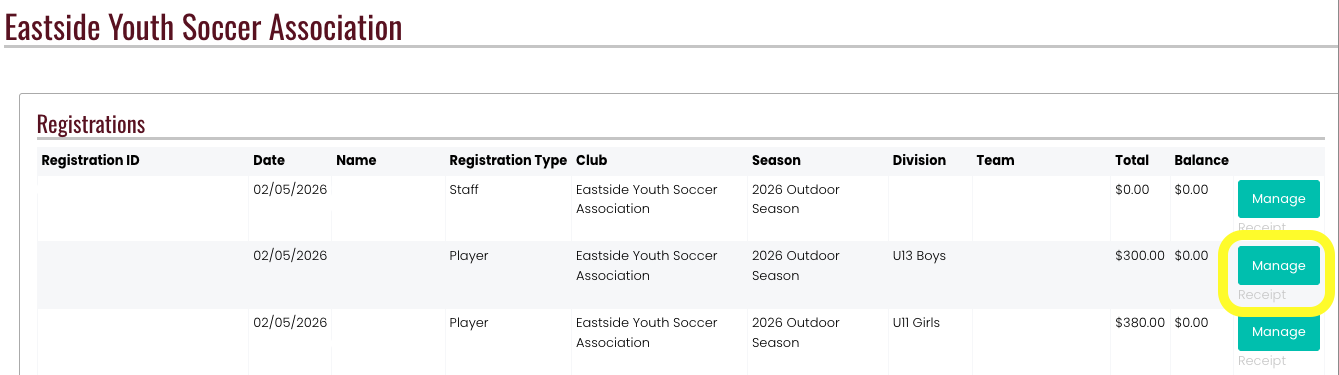
5. Under the teal "Manage" button is a grey "Receipt" option. This contains all registration and payment information.